Quick Start - Build Your First AI Agent in 5 Minutes
This guide will walk you through creating your first AI agent in just a few minutes.
Prerequisites
Section titled “Prerequisites”- A Fourage AI account
- Basic understanding of your use case
Step 1: Create a New Agent
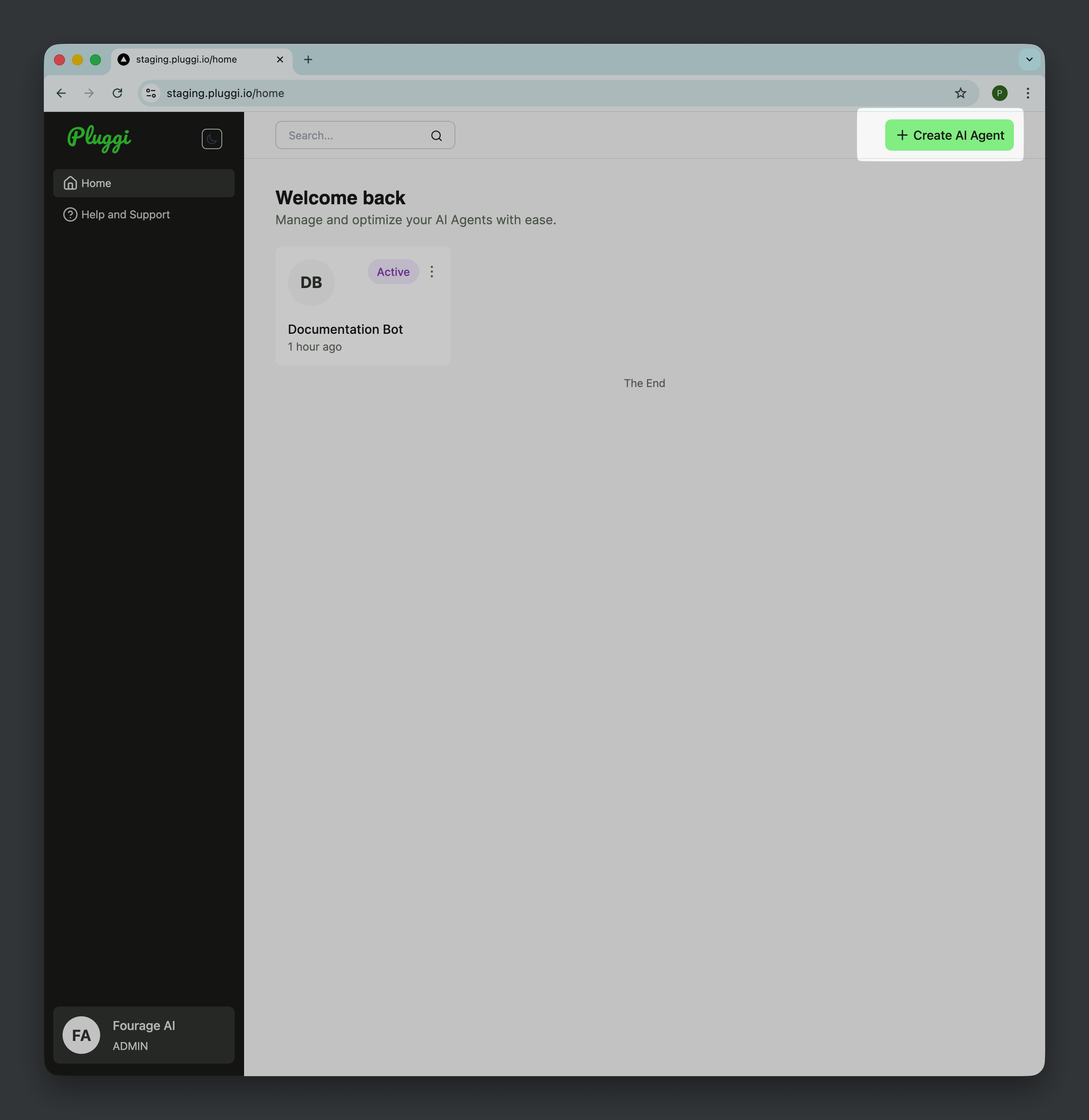
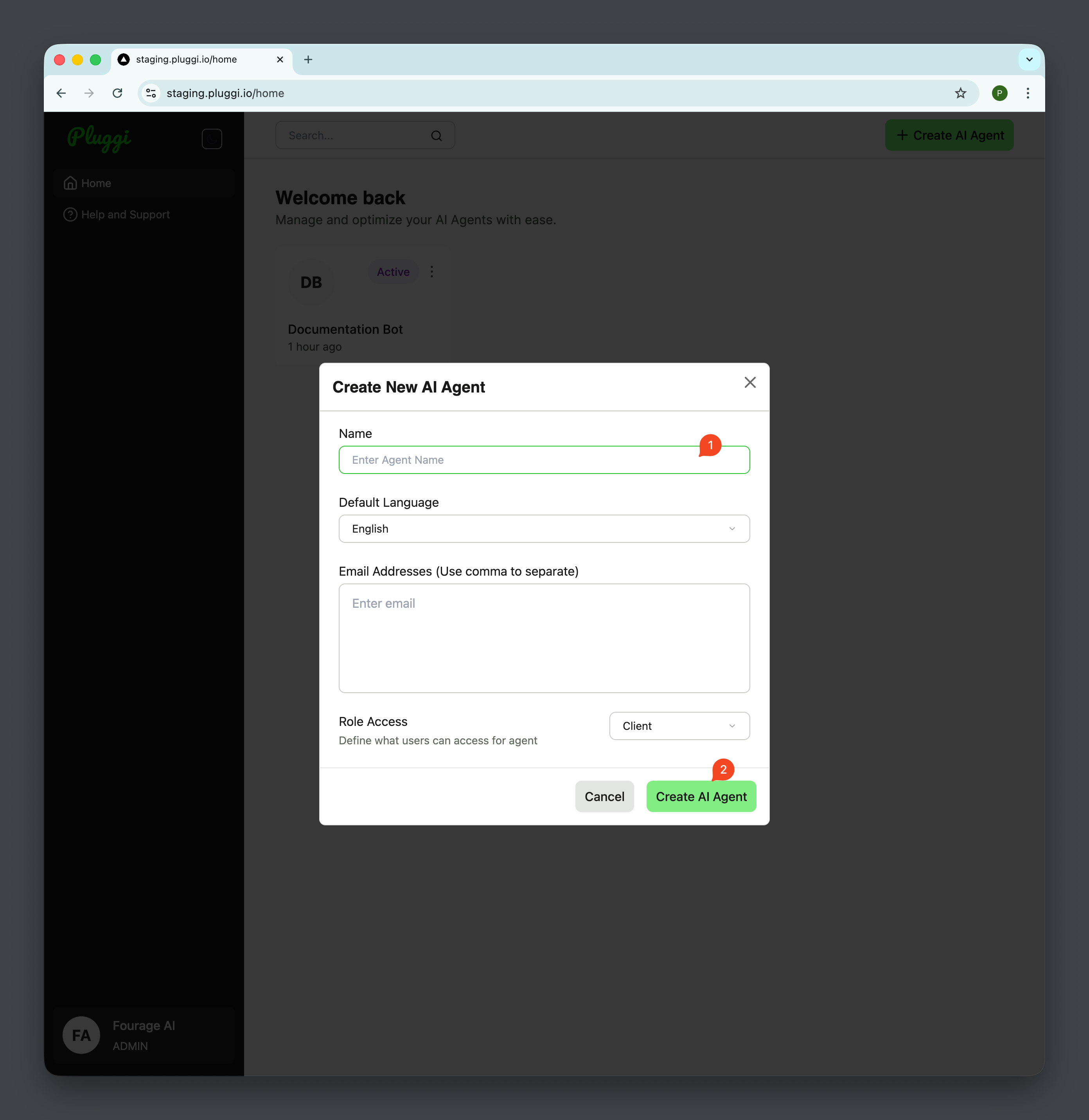
Section titled “Step 1: Create a New Agent”Navigate to the AI Agent Builder and click “Create AI Agent”. A Dialog will appear and Add Name and click “Create AI Agent”
Step 2: Choose a Template
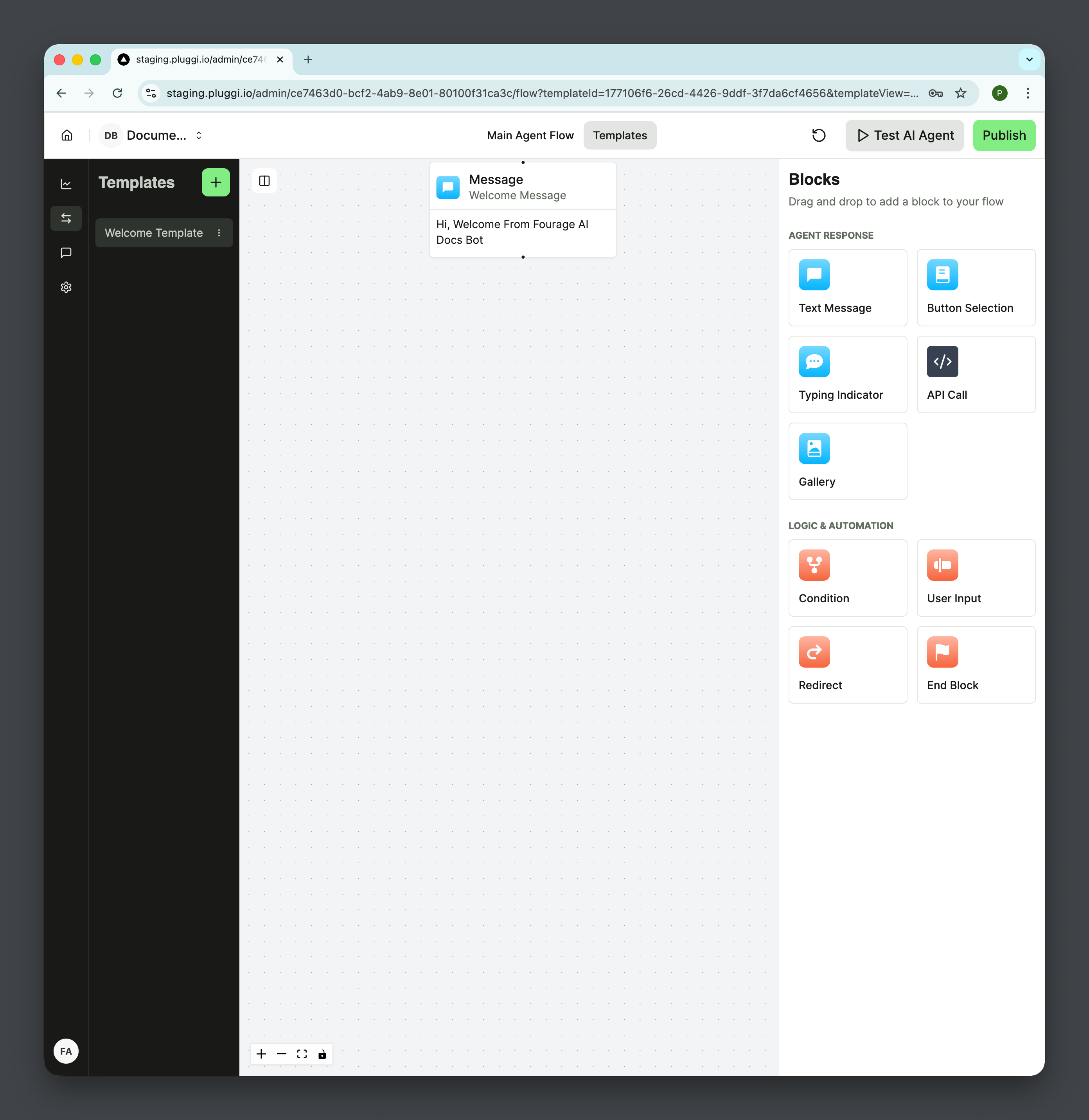
Section titled “Step 2: Choose a Template”Select a pre-built template that matches your use case, or start from scratch.
Step 3: Configure Your Agent
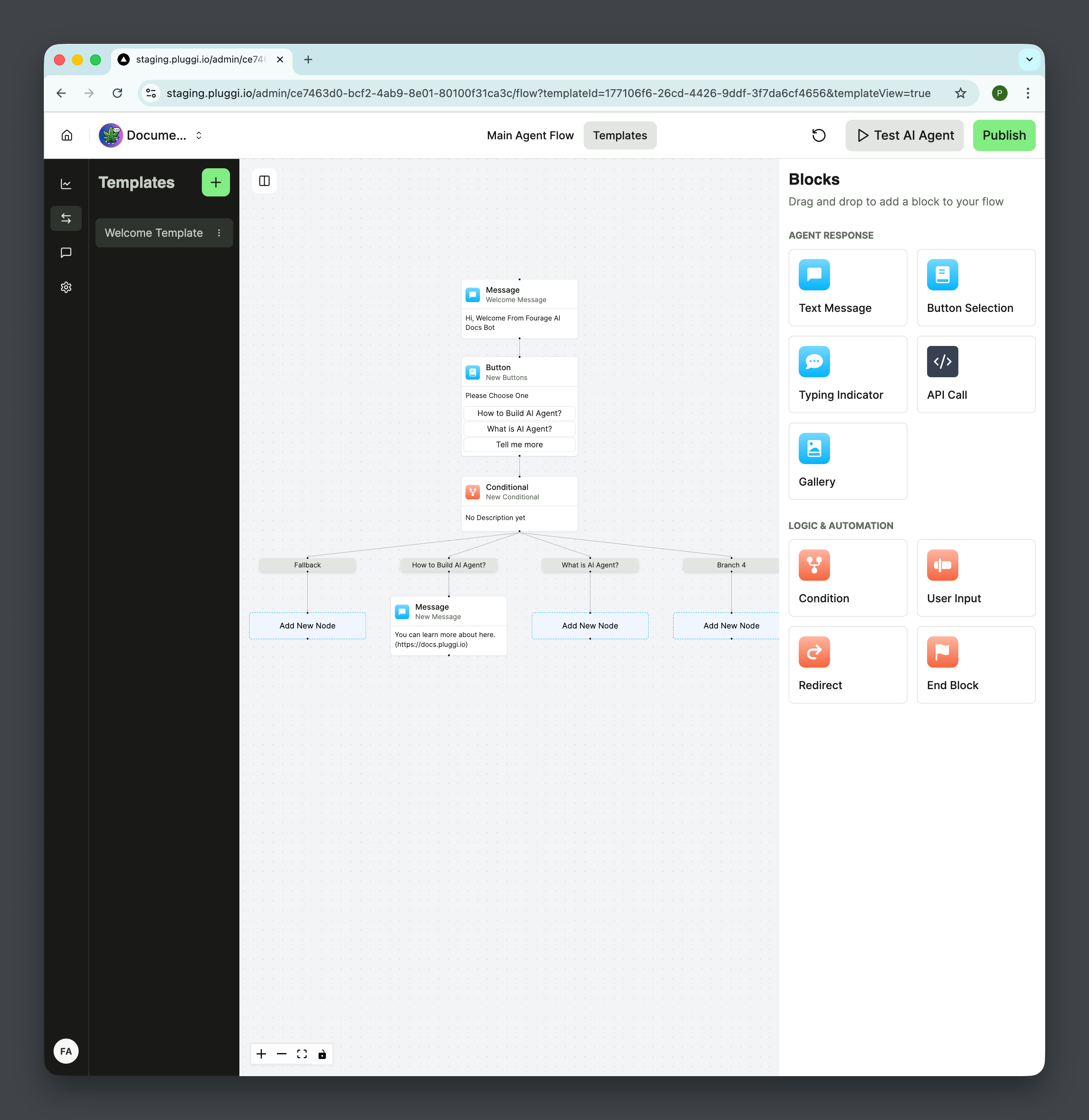
Section titled “Step 3: Configure Your Agent”Add the necessary blocks and customize the agent’s behavior.
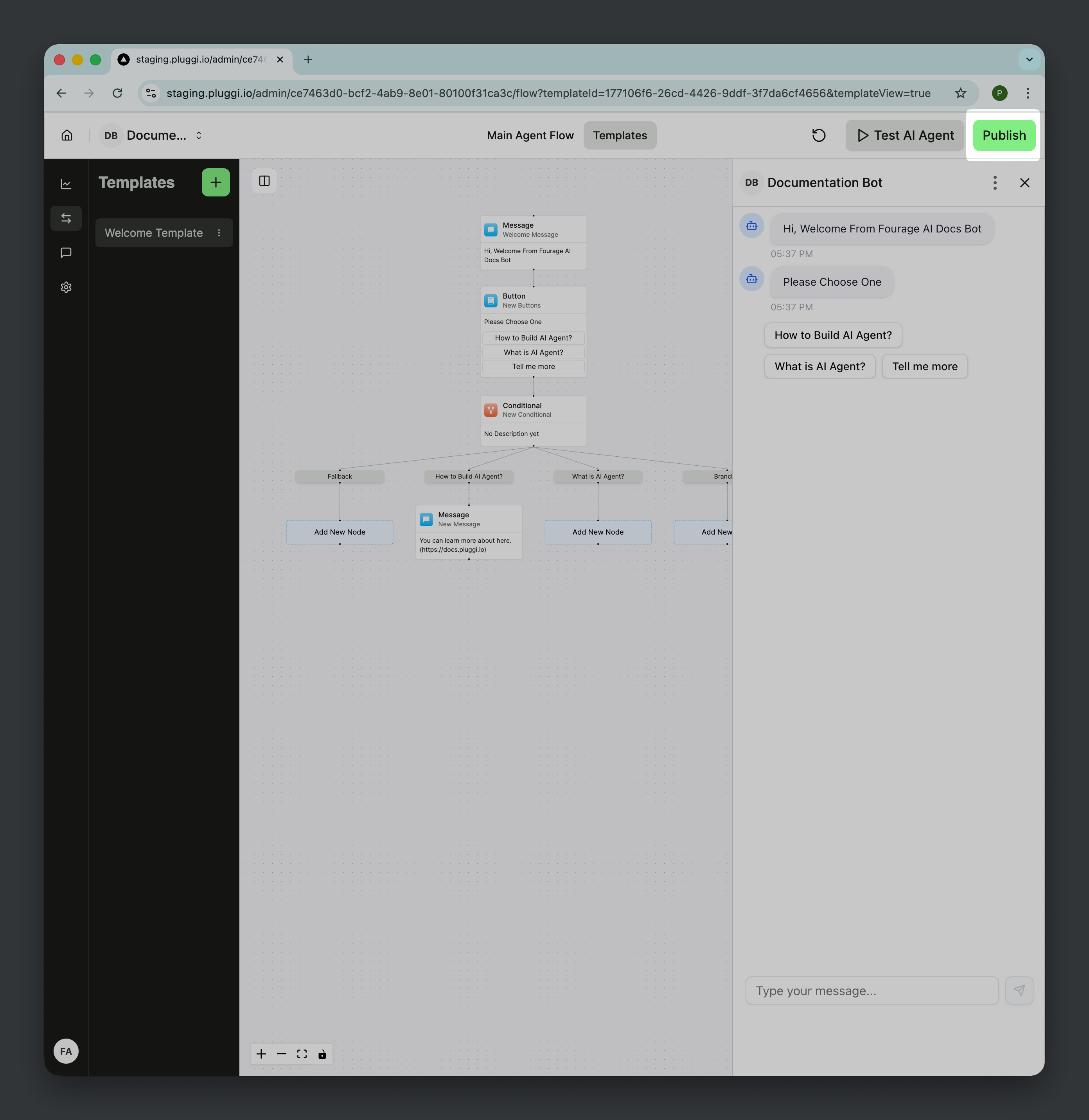
Step 4: Test Your Agent
Section titled “Step 4: Test Your Agent”Use the built-in testing environment to verify your agent works as expected.

Step 5: Deploy
Section titled “Step 5: Deploy”Once you’re satisfied, deploy your agent to production.
Next Steps
Section titled “Next Steps”Now that you’ve created your first agent, learn more about: